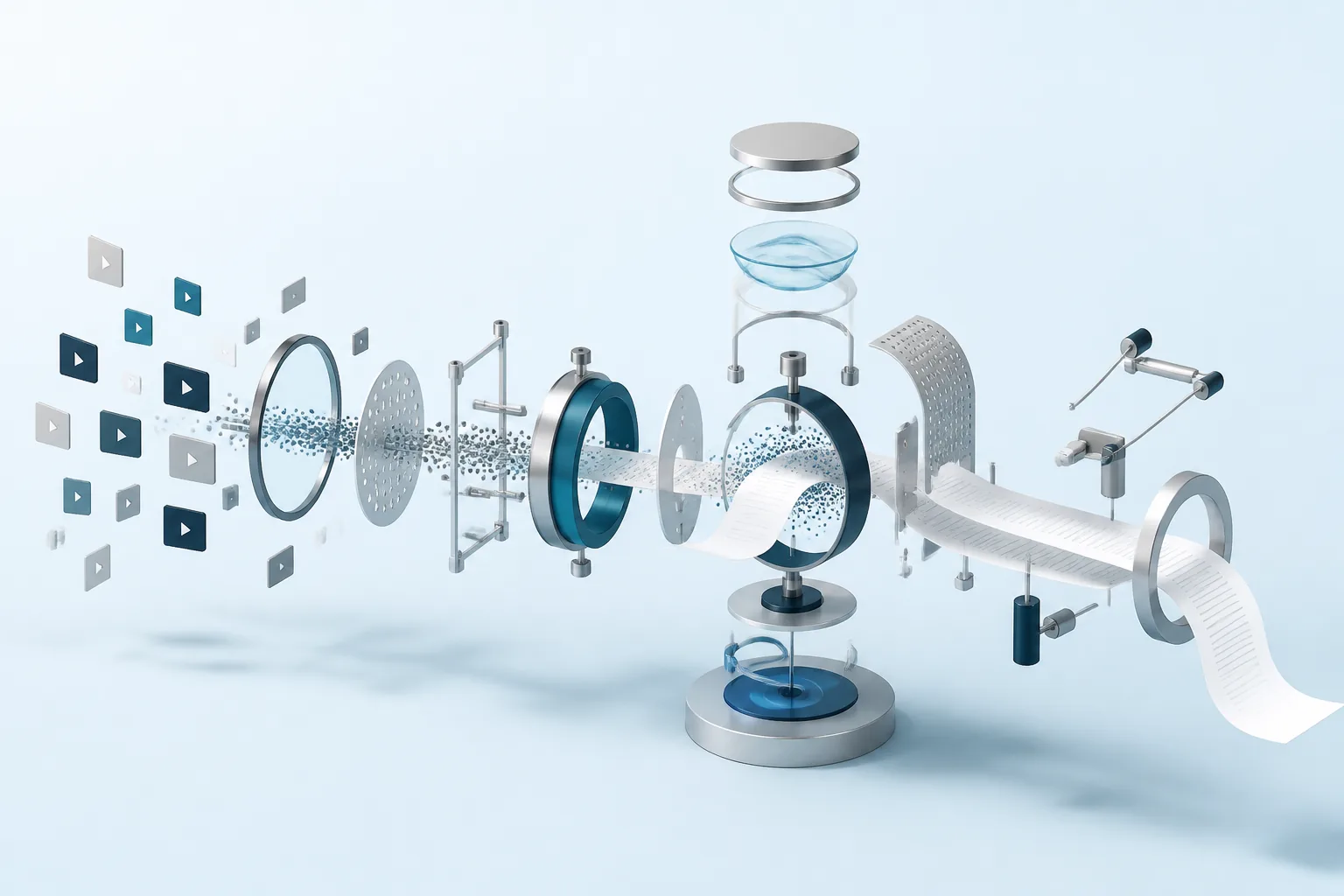
What Is YouTube Transcript AI? (And Why One Video Isn't Enough)
Search "youtube transcript ai" and you'll land on dozens of tools that do the same thing: paste a video URL, get back a cleaned-up transcript, maybe a summary. That's genuinely useful if you watched a 40-minute talk and want the three-sentence version. It's a lot less useful the moment your question spans more than one video.
If you're trying to find every time a channel mentioned a specific feature, pricing change, or competitor, "paste one URL at a time" stops working fast. This guide covers what YouTube transcript AI tools actually do today, where the single-video model runs out of road, and how to ask AI questions across an entire channel's back catalogue instead of one video at a time.
Quick Answer
YouTube transcript AI refers to tools that turn a video's spoken content into readable text, then use AI to clean it up, summarize it, or answer questions about it. Most tools on the market handle exactly one video per request. A smaller set, including Context Link's YouTube connector, index an entire channel's transcripts continuously, so you can ask a question once and get an answer drawn from every video that channel has published, not just the one you happened to paste in.
How YouTube Transcript AI Tools Work Today
Almost every tool answering this search does the same three things, in some order:
- Pull the transcript. Either from YouTube's own auto-generated or creator-uploaded captions, or by running speech-to-text on the audio track when captions aren't available.
- Clean it up. Raw captions are full of run-on sentences, missing punctuation, and filler words. AI cleanup turns that into readable paragraphs.
- Summarize or answer. A large language model condenses the cleaned transcript into a summary, bullet points, or answers a specific question you ask about that one video.
This covers a real need well. If you're a student reviewing a lecture, a job candidate prepping for a company's culture video, or someone deciding whether a 90-minute podcast episode is worth your time, a single-video transcript AI tool is exactly the right amount of tool. There's no reason to reach for anything more complicated.
The problem shows up the moment your question isn't about one video.
The Scale Problem: There's a Lot of Video
The reason single-video tools feel fine right up until they don't is simple volume. Creators upload more than 500 hours of video to YouTube every minute, and an active channel that's been publishing for a few years easily has a hundred or more videos in its back catalogue.
Nobody is going to open, transcribe, and read a hundred videos by hand to answer one question. Even a lighter version of that, guessing which five or six videos are most likely to have the answer and checking each one, still takes real time, and it still relies on guessing correctly. The tools built around a single pasted URL were never designed to help with that guess. They assume you've already made it.
That's the actual gap this creates: as a channel's catalogue grows, the value of being able to search across it grows with it, while every tool built around one video at a time stays exactly as useful as it was on day one.
Where Single-Video Tools Fall Short
A single-video transcript tool assumes you already know which video has your answer. That assumption breaks down in a few common situations:
- Competitor and market research. You want to know every time a competitor's channel has discussed pricing, a specific feature, or a customer complaint, across their entire upload history, not just their most recent video.
- Customer or audience research. A support or product team wants to know what a creator's audience has asked in comments and Q&A segments across dozens of videos, not one.
- Internal knowledge from a company's own channel. A business that publishes product walkthroughs, webinars, or customer calls on YouTube wants that content searchable the same way their docs and Notion pages are, as one connected source, not a folder of individual video links.
- Following an ongoing series. A channel that publishes weekly updates on a fast-moving topic (an industry, a live event, a product in development) accumulates dozens of videos where "when did they first mention X" requires checking each one manually.
In every one of these cases, the unit that matters isn't the video. It's the channel. And that's the gap this whole category of tool leaves open: every tool on the "youtube transcript ai" SERP hands back a single transcript. None of them let you ask a question and get an answer pulled from everything a channel has ever published.
Asking AI Questions Across an Entire YouTube Channel
This is the piece that changes when you connect a channel instead of pasting individual video links: the unit of search moves from "one video" to "everything this channel has published."
Context Link's YouTube connector works from the channel level, not the video level. You paste a channel URL or an @handle, and Context Link indexes the title, description, and transcript of the channel's videos automatically. There's no sign-in required and no OAuth consent screen, because YouTube channels are public. It doesn't need permission to read something anyone can already watch.
Once a channel is connected, it behaves like any other connected source in Context Link, alongside Notion pages, Google Docs, websites, and inboxes. That means the same question can pull an answer from a channel's transcripts and a company's own docs in one pass, rather than treating YouTube as an isolated silo you search separately.
From there, you ask from inside ChatGPT, Claude, or any MCP-aware agent, the same way you'd ask about any other connected source: no separate YouTube-specific app, no per-video paste-and-summarize step.
This also means a channel doesn't have to be the only thing connected. A business that publishes product walkthroughs and customer webinars on its own channel can connect that channel alongside its Notion workspace, its help centre, and its support inbox, then ask one question and get an answer that draws from whichever of those actually has it. The video doesn't have to be the thing someone remembers separately from everything else the business has written down.
Example Prompts
Once a channel is connected, these are the kinds of questions that stop requiring a manual video-by-video search:
- "Has this channel ever explained their pricing model? Summarize what they said and which video it's from."
- "What features has this channel mentioned wanting to build, across all their videos this year?"
- "Find every time this channel's audience asked about [a specific topic] in a Q&A segment."
- "Summarize how this channel's messaging about [a topic] has changed over the last six months."
Each of those questions spans multiple videos. A single-video transcript tool can't answer any of them without you first guessing which video to paste in, and then repeating that guess for every other video that might also be relevant.
What This Isn't
Being clear about the edges of this matters more than the pitch. A few honest limits:
- It's not real-time captioning. This is for asking questions about published content, not live-streaming transcription as a video airs.
- It still depends on published captions. If a channel has no captions and YouTube hasn't auto-generated them yet, there's no transcript to index for that video, the same transcript availability rules that apply to YouTube's own transcript panel. Most active channels have captions on the large majority of their catalogue, but a handful of videos slipping through is normal.
- It's not a video editor or clip tool. This indexes text for retrieval and question-answering. It doesn't generate clips, timestamps for social cuts, or visual summaries.
- Cleanup quality still depends on the source captions. Auto-generated captions are decent but imperfect. A transcript indexed from rough auto-captions will occasionally misread a technical term or name, the same limitation any transcript AI tool inherits from YouTube's own caption engine.
- It only covers what's public. Members-only videos, unlisted uploads a channel hasn't shared publicly, and anything behind a paywall aren't part of what a public channel connection can see, the same way anyone without access couldn't watch them either.
None of that changes the core trade-off: if your question is about one video you already know, a free single-video tool is the faster path. If your question spans a channel's whole history, or needs to sit alongside the rest of a business's other content, that's a different job, and it's the one the connector is built for.
Frequently Asked Questions
Is YouTube transcript AI the same as YouTube's own captions?
No. YouTube's captions are the raw text track, either creator-uploaded or auto-generated. "YouTube transcript AI" describes tools that take that raw text and do something further with it: clean it up, summarize it, or make it answerable through a question.
Do I need a channel's permission to index its transcripts?
Since YouTube channels are public, indexing a channel's publicly available titles, descriptions, and transcripts doesn't require sign-in or an OAuth consent screen from the channel owner. This is different from connecting your own private Google Drive or email inbox, which does require that consent.
Can I connect my own channel and a competitor's channel at the same time?
Yes. Since the connector works from a public channel URL or handle, you can connect your own channel alongside any other public channel, then ask questions that compare both, as long as each is added as its own connection.
Does this replace watching the videos?
No, and it isn't trying to. This is for finding which video has your answer and getting a grounded summary, not for replacing the video itself when you actually need the full context, tone, or visuals.
I want to fetch raw transcripts myself instead. Where do I start?
That's a narrower, developer-facing job than what this guide covers: fetching one video's caption text through an API rather than asking questions across a channel. Our breakdown of what a YouTube transcript API actually gives you covers that path, including why a raw fetch isn't the same as a searchable index on its own.
How is this different from just asking ChatGPT to summarize a video?
Pasting one video's URL into ChatGPT and asking for a summary is essentially Method 3 from the transcript-tool category: useful for one video, but it only knows what's in that single conversation. A connected channel is indexed once and stays available to ask about again later, from any question, without re-pasting a link or re-explaining which video you mean.
Will new videos a channel publishes get added automatically?
Yes. Once a channel is connected, newly published videos are picked up and indexed on the connection's regular sync, so the answerable content grows as the channel keeps publishing, rather than being a one-time snapshot from the day you connected it.
The Short Version
YouTube transcript AI, as most tools define it today, means one video in, one cleaned-up transcript or summary out. That's the right tool for a single video you already know you want. It stops being enough the moment your real question is "has this channel ever talked about X," because that question spans a channel's entire history, not one upload.
Context Link's YouTube connector moves the unit of search from the video to the channel: paste a channel URL or handle, and its titles, descriptions, and transcripts become one more connected source you can ask from ChatGPT, Claude, or any MCP-aware agent, alongside the rest of a business's other content. If you've been pasting video links one at a time hoping to find a mention buried somewhere in a channel's back catalogue, connect the channel once and ask the question instead.
One search across everything
Connect it once. Every AI can read it.
Context Link indexes your files, drive, email, sites and notes in one place, then hands ChatGPT, Claude and Gemini the same source-backed answers with citations.
7-day free trial · No card to start · Cancel any time