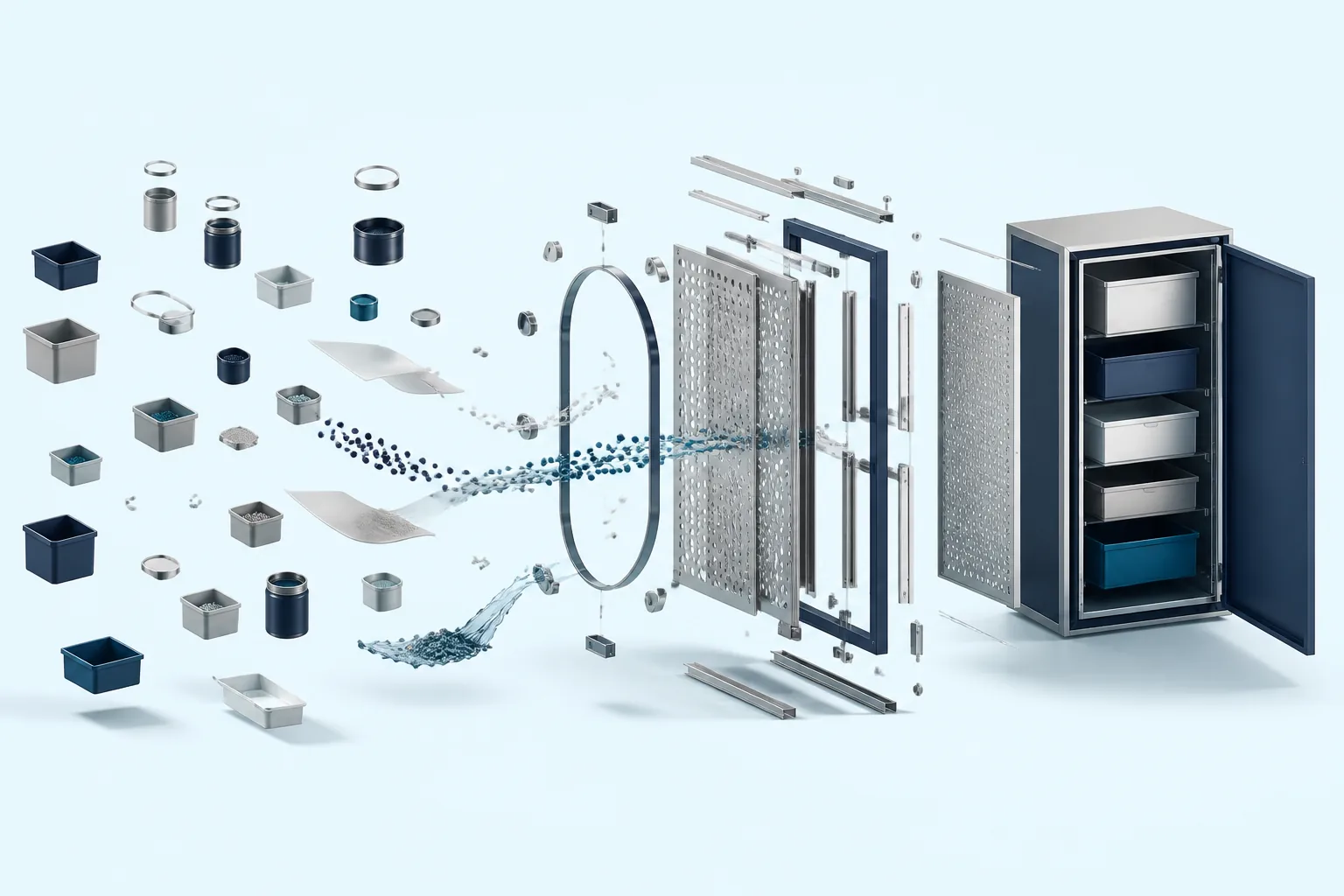
AI Knowledge Base: How to Give AI Access to Your Company's Knowledge (Without Migrating Everything)
Context Link
Connect existing sources (Notion, Google Docs, websites) without migration. Works across all AI tools.

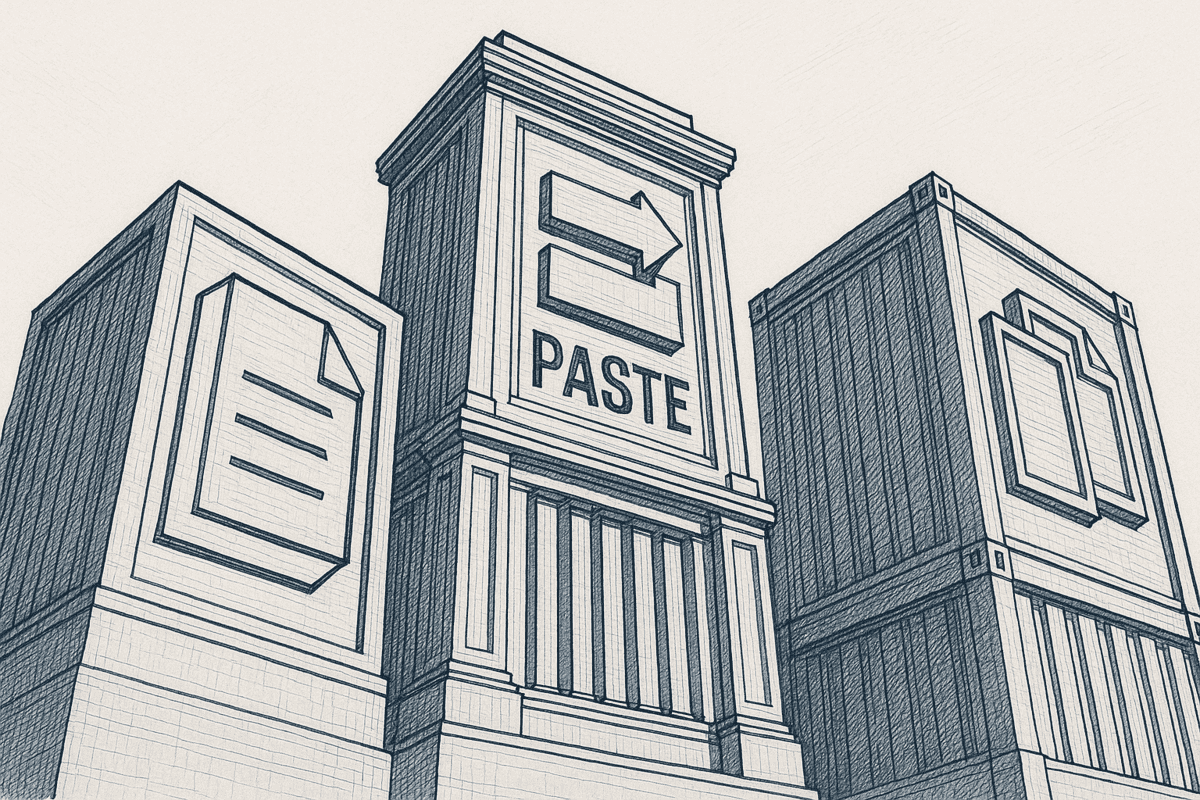
You've tried the copy-paste routine. Grab a doc from Notion, paste it into ChatGPT, ask your question, get an answer. Repeat fifty times a day. It works, until you realize half your team is doing the same thing with different docs, nobody's sure which version is current, and you're spending more time feeding context to AI than actually using its outputs.
The problem isn't ChatGPT or Claude. The problem is that your knowledge lives in a dozen places, Notion workspaces, Google Docs, help center articles, internal wikis, scattered markdown files, and AI tools have no way to access any of it unless you manually copy it in.
An AI knowledge base solves this by connecting your existing content sources to AI tools, giving them searchable access to your company's actual knowledge. No more copy-pasting. No more "let me find that doc first." Just ask your question, and AI pulls the relevant context automatically.
In this guide, you'll learn what an AI knowledge base actually is, how the underlying technology works, three distinct ways to build one, and how to choose the right approach for your team. We'll also cover a capability most tools miss entirely: letting AI write back to its own workspace, not just read from yours.
What Is an AI Knowledge Base?
An AI knowledge base is a system that uses artificial intelligence to store, organize, and retrieve knowledge so that AI tools can access relevant information when you ask questions. Unlike traditional knowledge bases that rely on keyword matching, AI knowledge bases use semantic search, finding content by meaning, not just exact word matches.
Here's how it differs from what you're used to:
Traditional knowledge base: You search "refund policy" and get results that contain those exact words. If your policy doc is titled "Customer Returns Guidelines," you might not find it.
AI knowledge base: You search "how do we handle refunds" and the system understands you're asking about return policies, customer service procedures, and payment reversals, returning relevant content regardless of the exact terminology used.
The technology stack behind modern AI knowledge bases typically includes three components:
- Natural Language Processing (NLP): Breaks down your content into semantic units the system can understand
- Machine Learning: Continuously improves search relevance based on what information proves useful
- Retrieval-Augmented Generation (RAG): Connects retrieved content to Large Language Models so AI can answer questions using your specific knowledge
This combination means you can ask questions in plain language and get answers grounded in your actual documentation, not generic responses based on the model's training data.
Why Traditional Knowledge Bases Fail (and How AI Fixes It)
The statistics on knowledge base adoption are brutal. According to Gartner, only 14% of customer service issues are fully resolved through self-service channels. Internally, 47% of employees report they don't bother using company knowledge bases because finding information takes too long.
The core problem is keyword-based search. Traditional systems require you to guess the exact words someone used when they wrote the document. Search for "onboarding checklist" when the doc is titled "New Hire Setup Guide" and you get nothing. Over time, people learn it's faster to ask a colleague or search their email than dig through the official knowledge base.
AI knowledge bases fix this by understanding intent. When you ask "what's our process for setting up new team members," semantic search recognizes you're asking about onboarding, even if that word never appears in your query. The system retrieves relevant content based on meaning, not string matching.
This shift from keywords to concepts changes how useful a knowledge base can actually be. Instead of requiring everyone to learn the "right" search terms, the system adapts to how people naturally ask questions.
Types of AI Knowledge Bases
Most AI knowledge base tools fall into three categories, each optimized for different use cases.
Customer-Facing (Support and Self-Service)
These power help centers, chatbots, and self-service portals. When a customer asks "how do I cancel my subscription," the system searches your support documentation and surfaces the relevant answer, either directly or through an AI-powered chat interface.
Tools in this category include Zendesk AI, Intercom Fin, and Help Scout's AI Answers. They're optimized for deflecting support tickets and improving resolution rates.
Internal / Employee Experience
These help employees find information across company documentation. Think HR policies, technical documentation, product specs, and process guides. When someone asks "what's our PTO policy for contractors," the system searches across internal docs and returns the relevant section.
Guru, Slite, and Notion AI fit here. They're designed for employees who need quick answers without digging through multiple tools.
Team Knowledge (The Missing Category)
Here's where most tools fall short. What if you need an AI knowledge base that works across multiple use cases, customer-facing content, internal docs, and team-specific knowledge, without forcing you to pick one platform?
Most solutions assume you'll consolidate everything into their system. Zendesk wants your support content in Zendesk. Guru wants your team knowledge in Guru. Notion AI only works with content already in Notion.
But real teams have knowledge scattered everywhere. Your brand guidelines live in Google Docs. Product specs are in Notion. The help center runs on a different platform entirely. A flexible AI knowledge base should connect to all of these without requiring migration.
This is where tools like Context Link come in. It works as an AI knowledge base and managed RAG workspace across Notion, Google Docs, websites, inboxes, and project tools. Connect your sources once, and ChatGPT, Claude, or any MCP-aware agent can ask across everything and get source-backed answers with citations.
Three Ways to Build an AI Knowledge Base
You have three main options for giving AI access to your company's knowledge. Each involves different trade-offs around control, effort, and flexibility.
Option 1: Dedicated Platforms (Guru, Zendesk, Slite)
What they offer: All-in-one solutions that combine content management with AI-powered search. You create and store content in their platform, and their AI makes it searchable.
How it works: You migrate your existing documentation into the platform, organize it using their structure, and access it through their interface or integrations.
Trade-offs:
- Requires content migration, your docs now live in their system
- Platform lock-in makes switching costly
- AI access is limited to their specific chatbot or interface
- Often requires enterprise pricing for full AI features
Best for: Teams ready to consolidate their knowledge management into a single platform and willing to invest in migration.
Option 2: DIY RAG Stack (Pinecone, Weaviate, LangChain)
What it involves: Building your own retrieval pipeline using vector databases, embedding models, and orchestration frameworks. You control every component of how content gets indexed and retrieved.
How it works: You write code to ingest documents, generate embeddings, store them in a vector database, and query them when users ask questions. The retrieved content gets passed to an LLM for answer generation.
Trade-offs:
- Significant engineering investment (typically weeks to months)
- Ongoing maintenance for embeddings, indexing, and infrastructure
- Full control over every aspect of retrieval
- Requires ML/AI expertise on your team
Best for: Teams with dedicated engineering resources and highly custom requirements that off-the-shelf tools can't meet.
Option 3: Connect Your Existing Sources (The Context Link Approach)
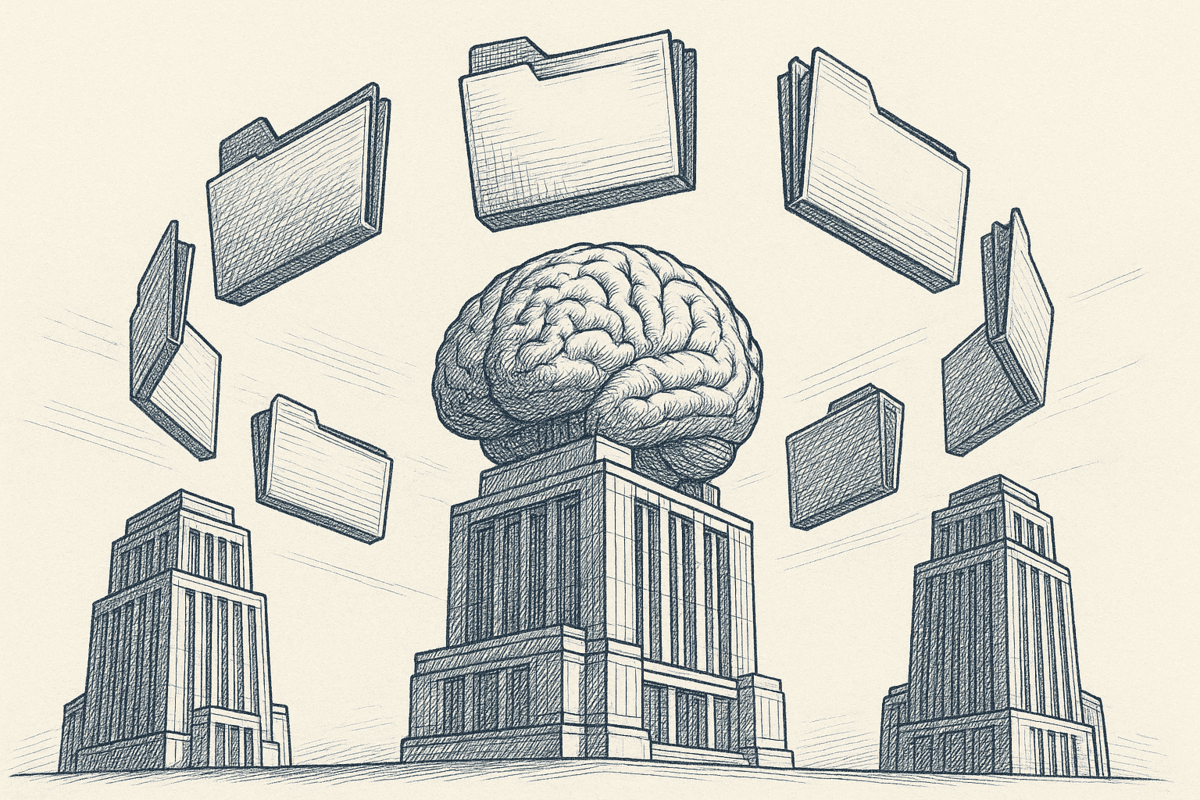
What it offers: Connect knowledge sources you already use, Notion, Google Docs, websites, without migrating content or building infrastructure. AI tools access your content through semantic search.
How it works: You authorize access to your sources, and the system indexes your content for semantic retrieval. Connect Context Link to ChatGPT or Claude for always-on access, then just ask your AI to "get context on [topic]." The system searches your connected sources and returns relevant snippets in clean markdown.
Trade-offs:
- Less customization than a DIY solution
- Depends on the connector supporting your specific sources
- Your content stays where it is (no forced migration)
Best for: Teams who want an AI knowledge base without migrating content or building custom infrastructure.
With Context Link specifically, you can connect your Notion workspace to ChatGPT, give Claude access to your Google Docs, or build an AI agent from your website content, all using the same underlying system.
Key Features to Look for in AI Knowledge Base Software
When evaluating AI knowledge base solutions, these capabilities separate tools that actually work from those that look good in demos.
Semantic Search (Not Just Keywords)
The foundation of any AI knowledge base. Can you search by meaning, or are you still stuck with exact keyword matching? Test this by searching for concepts using different terminology than your docs use.
Source Integrations (Not Just File Upload)
Basic tools let you upload files. Better tools connect directly to where your content lives, Notion, Google Docs, Confluence, your website, and keep that connection synced. You shouldn't have to re-upload every time you update a document.
Incremental Sync
Your documentation changes. Your AI knowledge base should automatically reflect those changes without manual re-indexing. Look for tools that sync on a schedule or detect changes automatically.
Model-Agnostic Access
If the AI knowledge base only works with one AI tool, you're limiting yourself. The best solutions work across ChatGPT, Claude, Copilot, Gemini, and whatever tools your team actually uses. This is a core principle behind context engineering; your context layer should be independent of any single model.
Privacy and Access Controls
Who can access what? Can you restrict certain content to certain users? For teams with sensitive documentation, granular permissions matter.
Write Access for AI (Not Just Read)
Most AI knowledge bases are read-only. The best ones also give AI a place to save knowledge back: a settled decision, a positioning statement, an ICP definition. Context Link calls these Memories. Save one once, and every AI tool connected to your knowledge base reads the latest version from then on, with history kept when it's updated.
How to Build an AI Knowledge Base from Your Existing Docs
Here's a practical walkthrough for setting up an AI knowledge base using the connector approach, no migration, no coding.
Step 1: Audit Your Knowledge Sources
Before connecting anything, map where your team's knowledge actually lives:
- Notion: Wikis, specs, meeting notes, databases
- Google Docs: Proposals, guidelines, collaborative documents
- Google Drive: Spreadsheets, presentations, archived files
- Website/Help Center: Public documentation, support articles, blog posts
- Other tools: Confluence, Coda, markdown files
You don't need to connect everything at once. Start with the sources you reference most often when working with AI.
Step 2: Choose Your Approach
Based on the three options above, decide which fits your situation:
- Consolidating into one platform? Evaluate Guru, Notion AI, or Slite
- Building custom retrieval? Set up a vector database and embedding pipeline
- Connecting existing sources? Try Context Link or similar connector tools
For most teams, the third option offers the fastest path to value.
Step 3: Connect and Scope Your Sources
If you're using Context Link:
- Sign up and connect your first source: Notion workspace, Google Drive folder, or website URL
- Scope what gets indexed. You might connect your entire Notion workspace or just specific pages and databases
- Connect Context Link to your AI tools (ChatGPT connector, Claude skill, or use the direct link)
The system indexes your content and makes it searchable through whichever access method you prefer.
Step 4: Search for Any Topic Dynamically
Here's where the semantic search becomes powerful. Add any topic after the /slash and the system searches all your connected sources for relevant content:
/product-roadmap→ Searches all sources for roadmap-related content/refund-policy→ Finds refund and returns information wherever it lives/onboarding-process→ Pulls onboarding docs from across your workspace
You don't configure these topics in advance. Just ask for whatever you need, and Context Link runs a semantic search across everything you've connected, returning the most relevant snippets in clean markdown that AI can read.
Step 5: Ask Your AI for Context
Now use your AI knowledge base with your preferred AI tools. The easiest approach is to set up always-on access:
ChatGPT: Add the official Context Link ChatGPT app from the ChatGPT app store. Once connected, just ask ChatGPT to "get context on our refund policy" or "check my docs for API rate limits." ChatGPT automatically fetches the relevant content from your connected sources.
Claude: Use the Context Link skill in Claude. Ask Claude to "get context on [topic]" and it searches your knowledge base and pulls in what's relevant. For moments when you want the direct answer instead of raw snippets, Pro users can invoke the Ask Question skill ("ask Context Link what our refund window is") to get a single concise paragraph with numbered citations back to the source docs.
Any AI tool: You can also share your context link directly in a prompt. AI tools read the link, fetch relevant content, and answer based on your documentation. One link works across ChatGPT, Claude, Copilot, Gemini, and more.
Step 6: Iterate and Expand
Based on what works:
- Add more sources as you identify gaps in what AI can find
- Refine scopes to improve relevance (e.g., connect only specific Notion databases instead of an entire workspace)
- Review what snippets get returned and adjust indexing if needed
- Save settled decisions as Memories so every AI tool reads the latest version instead of re-learning it each conversation
AI Knowledge Base Use Cases by Team
Different teams use AI knowledge bases in different ways. Here's how this plays out in practice.
Marketing and Content
- Brief AI on brand: Connect your style guide, tone documentation, and past content so AI writes in your voice
- Answer "what have we written about X?": Search across all published content before creating something new
- Maintain consistency: Give every team member access to the same brand context
Support and Success
- Draft replies from documentation: Connect help center articles and internal notes, then let AI draft responses grounded in official answers
- Reduce ticket volume: Power self-service with AI that actually knows your product
- Onboard new agents faster: New team members can ask AI questions and get accurate answers immediately
Product and Founders
- Query your own specs: Ask questions about your roadmap, feature documentation, or launch plans without digging through docs
- Keep context current: As priorities shift, your AI knowledge base reflects the latest information
- Centralize institutional knowledge: Capture decisions and context that would otherwise live only in people's heads
Developers and Ops
- API documentation access: Give AI access to your technical docs for faster debugging and implementation
- Standardize AI access: Everyone uses the same context sources, reducing inconsistency
- Automate with context: Call the context endpoint from scripts and automations to build AI-powered workflows
Beyond Read-Only: AI Knowledge Bases That Remember
Here's where most AI knowledge base tools stop: retrieval. AI can read your docs, but it has nowhere to save what it learns, so settled decisions get re-explained in every new conversation.
Context Link goes further with AI-pushed Memories: namespaced documents an AI can save and update over time at routes like /brand-voice or /meeting-notes. An AI (or a human) writes a Memory once, then any AI tool connected to Context Link retrieves the latest version later. Updating a Memory replaces the old truth while keeping version history, so AI always reads what's current.
Safety note: Memories are separate from your synced sources. AI can write to Memories but can't modify your Notion pages or Google Docs. Your original content stays protected.
Common Questions About AI Knowledge Bases
Is It Safe to Give AI Access to My Docs?
With properly designed tools, AI accesses your content through controlled retrieval, it doesn't store or train on your data. Context Link, for example, fetches relevant snippets when you request them but doesn't retain your content or use it for model training. Check each tool's privacy policy, but modern AI knowledge base tools are generally designed with data security in mind.
Does This Train AI Models on My Data?
No. Retrieval-augmented generation (RAG) is different from model training. When AI retrieves content from your knowledge base, it uses that content to answer your specific question, then discards it. Your proprietary documentation doesn't become part of the model's weights or training data.
How Is This Different from Uploading Files to ChatGPT?
Uploading files to ChatGPT is manual, one-conversation-at-a-time, and doesn't sync when your docs change. An AI knowledge base is persistent, searchable, and stays current with your actual documentation. You connect once, and AI can access relevant content across unlimited conversations.
Can My Whole Team Use the Same Knowledge Base?
Yes. Most AI knowledge base tools support team access. With Context Link, you can share your context link with teammates, and everyone accesses the same underlying sources. Team members can search for any topic and get consistent results. Some plans also support organization-level features for larger teams.
Conclusion: Your AI Deserves Better Context
An AI knowledge base is the difference between AI that gives generic answers and AI that actually knows your business. The technology, semantic search, RAG, embeddings, is mature enough that you don't need to be an ML engineer to benefit from it.
Your options:
- Migrate to a dedicated platform if you're ready to consolidate your knowledge management
- Build a custom RAG stack if you have engineering resources and highly specific requirements
- Connect your existing sources if you want AI knowledge base capabilities without migration or infrastructure
For most teams, the third option delivers the fastest path to value. Your content stays where it is. AI gets the context it needs. And with Memories on top, AI can save settled decisions back to the knowledge base, so every tool you use reads the latest version of what's true.
Ready to try it? Connect a source and test your first context link. Most teams are searching their own docs in under 10 minutes.
One search across everything
Connect it once. Every AI can read it.
Context Link indexes your files, drive, email, sites and notes in one place, then hands ChatGPT, Claude and Gemini the same source-backed answers with citations.
7-day free trial · No card to start · Cancel any time