
AI Tools for Small Business: The Complete Guide for 2026
Content Creation & Marketing
ChatGPT, Claude, Jasper, Canva AICustomer Service & Communication
Missive, Freshdesk, TidioProductivity & Operations
Microsoft Copilot, Notion AI, ZapierSales & CRM
HubSpot AI, Pipedrive AIMeeting & Voice
Otter.ai, ElevenLabs, Wisper FlowContext & Knowledge Management
Context Link, Custom GPTsAI Skills & Plugins
Claude Skills, Custom GPTs, Claude Projects68% of small businesses now use AI regularly. But most are missing a critical piece that makes the difference between generic output and content that actually sounds like your business.
Here's the thing: AI tools for small business have never been more accessible. ChatGPT, Claude, Jasper, Copilot, they're all within reach for a one-person marketing team or a lean startup. The problem isn't finding tools. It's getting those tools to produce accurate, on-brand, business-specific output instead of generic fluff.
This guide covers the best AI tools for small business in 2026, organized by category. But more importantly, it explains the context strategy that makes these tools actually work for your specific business. Because the right tools without the right context is like hiring a brilliant employee and never onboarding them.
Why 2026 Is the Year to Adopt AI Tools for Small Business
The gap between enterprise AI capabilities and what's available to small businesses has nearly closed. Tools that cost six figures two years ago are now available for $20/month.
The numbers tell the story:
- 68% of US small businesses now use AI regularly (QuickBooks survey, 2025)
- 41% increase in AI adoption among small businesses in the past year (Thryv survey, 2025)
- 96% of small business owners plan to adopt AI in some capacity (US Chamber of Commerce)
Small businesses report saving 20+ hours per month and $500-2,000 in equivalent labour costs (Thryv survey, 2025). 67% say AI takes pressure off themselves and their staff (Thryv), critical when you're a lean team wearing multiple hats.
But there's a catch. 77% of small businesses using AI have no written AI policy (Thryv). Most are "winging it," copying and pasting the same brand guidelines into ChatGPT every session, hoping the output sounds like their business. 54% cite lack of knowledge as their #1 obstacle to AI adoption (SBA Research), and 30% want AI but don't know which tools to use (SBA).
This guide solves both problems.
Why Most Small Businesses Get Generic AI Output (And How to Fix It)
Before we dive into the tool list, we need to address the elephant in the room.
Most small businesses use ChatGPT or Claude directly. They type a prompt, get an output, and wonder why it sounds like every other AI-generated content on the internet. This is a common ChatGPT hallucination pattern. They add "write in a conversational tone" to their prompts and it helps a little, but the content still doesn't sound like their business.
The tool isn't the problem. Context is.
AI doesn't know your products, your brand voice, your customer base, or the specific claims you can make. When you ask it to write a product description, it invents features. When you ask for a blog post, it hallucinates statistics. When you ask for customer support replies, it promises things your business doesn't offer.
This is the AI hallucination problem. AI confidently makes things up because it doesn't have access to your actual business information.
The "re-explaining" tax is real too. Every session, you paste the same brand voice document. The same product specs. The same company background. You're spending 15 minutes of every AI session just getting the tool up to speed.
The solution is context engineering: giving AI systematic access to your business knowledge so it can retrieve the right information on demand. It's also really important to continuely update and tweak your AI inputs and instruction prompts in response to sub-optimum outputs.
We'll come back to this after the tool categories. Because the tools below are powerful, but they're only as good as the context you give them.
The Best AI Tools for Small Business in 2026
Here's the breakdown by category, with honest assessments of strengths, limitations, and portability.
Content Creation & Marketing
These AI tools for small business marketing are the workhorses for lean teams. If you're looking for the best AI for small business content creation, start here.
ChatGPT (OpenAI)
ChatGPT is the most widely adopted AI tool. Strong at drafting, brainstorming, and general writing tasks. ChatGPT Plus ($20/month) adds GPT-4o and web browsing. ChatGPT Team ($25/seat/month) adds workspace features.
- Best for: General writing, content ideation, quick drafts
- Limitation: Outputs are generic unless you provide extensive context
- Portability: Medium, Custom GPTs are locked to OpenAI
Claude (Anthropic)
Claude is known for nuanced, thoughtful outputs and longer context windows. Claude Pro ($20/month) is popular with writers who want less robotic prose. Claude Team ($25/seat/month) adds shared workspaces. Claude's Cowork feature also supports skills (plugin-like instructions that extend what the AI can do), which makes it particularly useful for repeatable marketing workflows.
- Best for: Long-form content, detailed analysis, conversational tone
- Limitation: Same context problem as ChatGPT, it doesn't know your business
- Portability: Medium, Claude Projects are locked to Anthropic
Jasper
Jasper is a marketing-focused AI writing tool with templates for ads, emails, blog posts, and social media. Team plans start around $125/month for 3 seats.
- Best for: Marketing teams who want pre-built templates and brand voice features
- Limitation: Higher price point; still requires feeding it your brand information
- Portability: Low, your templates and campaigns live in Jasper's ecosystem
Canva AI (Magic Studio)
Canva AI offers visual content creation with AI-powered design suggestions, background removal, and text-to-image generation. Free tier available; Pro at $13/month.
- Best for: Social media graphics, presentations, quick visual content
- Limitation: Not a writing tool, pairs well with content AI tools
- Portability: Medium, designs export as files, but AI features are Canva-specific
Customer Service & Communication
AI that helps you respond faster without sacrificing quality.
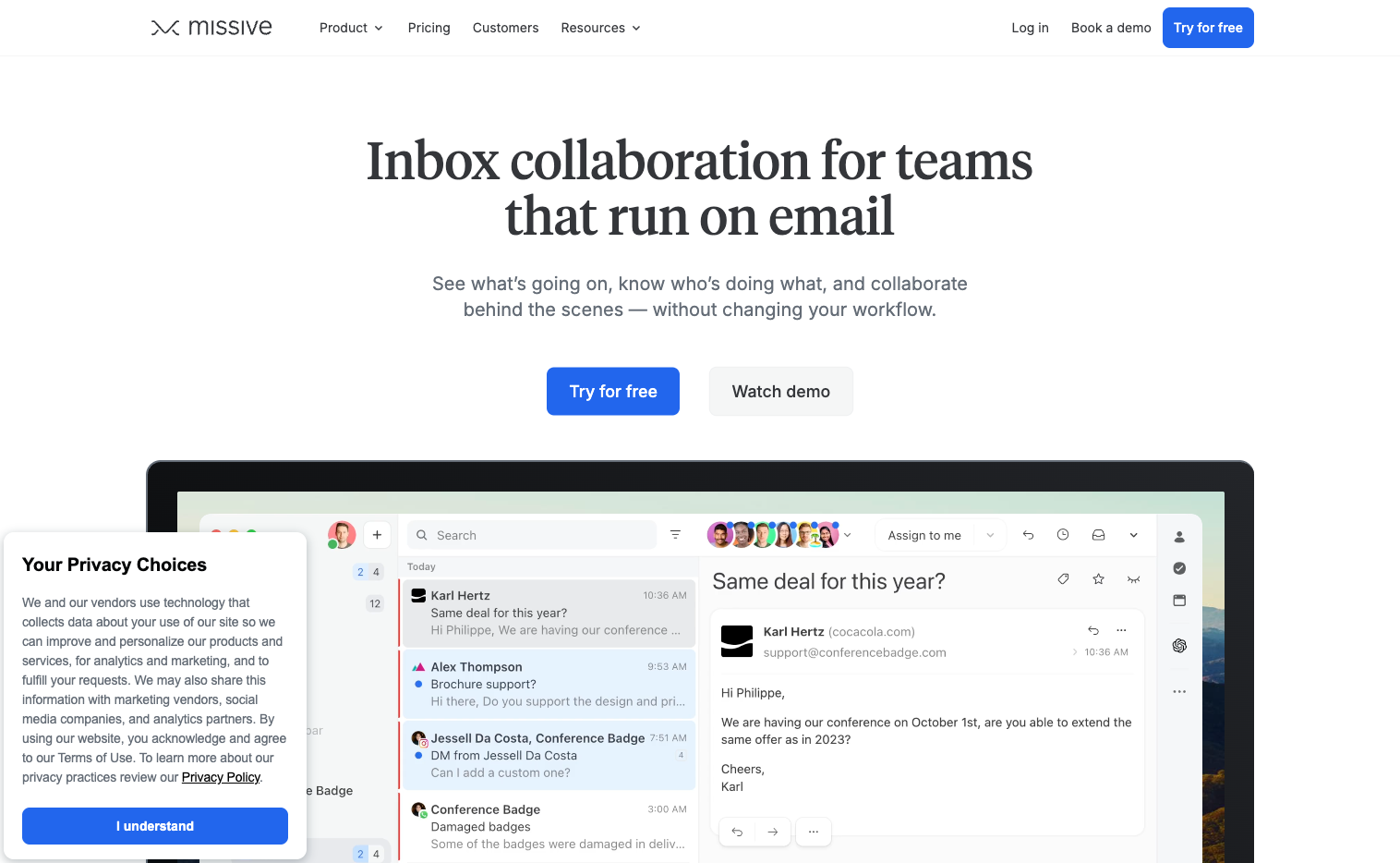
Missive
Missive is a collaborative inbox with AI features for drafting replies, summarizing threads, and translating messages. Starts at $14/user/month.
- Best for: Teams managing shared inboxes (support@, sales@)
- Limitation: AI features are strong but require your team to train it with examples
- Portability: Medium, emails export, but AI customizations stay in Missive
Freshdesk (Freddy AI)
Freshdesk offers support automation with AI-powered ticket routing, suggested responses, and knowledge base search. Free tier available; Growth at $15/agent/month.
- Best for: Support teams handling high ticket volumes
- Limitation: Freddy works best when fed a robust knowledge base
- Portability: Medium, ticket data exports, AI configurations don't
Tidio
Tidio provides AI chatbots for websites with live chat and automated responses. Free tier available; Starter at $29/month.
- Best for: E-commerce and service businesses wanting 24/7 chat coverage
- Limitation: Chatbot quality depends on training data, garbage in, garbage out
- Portability: Low, chatbot configurations are Tidio-specific
Productivity & Operations
Tools that make your internal operations faster.
Microsoft 365 Copilot
Microsoft 365 Copilot integrates AI into Word, Excel, PowerPoint, Outlook, and Teams. $30/user/month (requires Microsoft 365 subscription).
- Best for: Teams already in the Microsoft ecosystem
- Limitation: Only works within Microsoft products; expensive for small teams
- Portability: Low, deeply tied to Microsoft 365
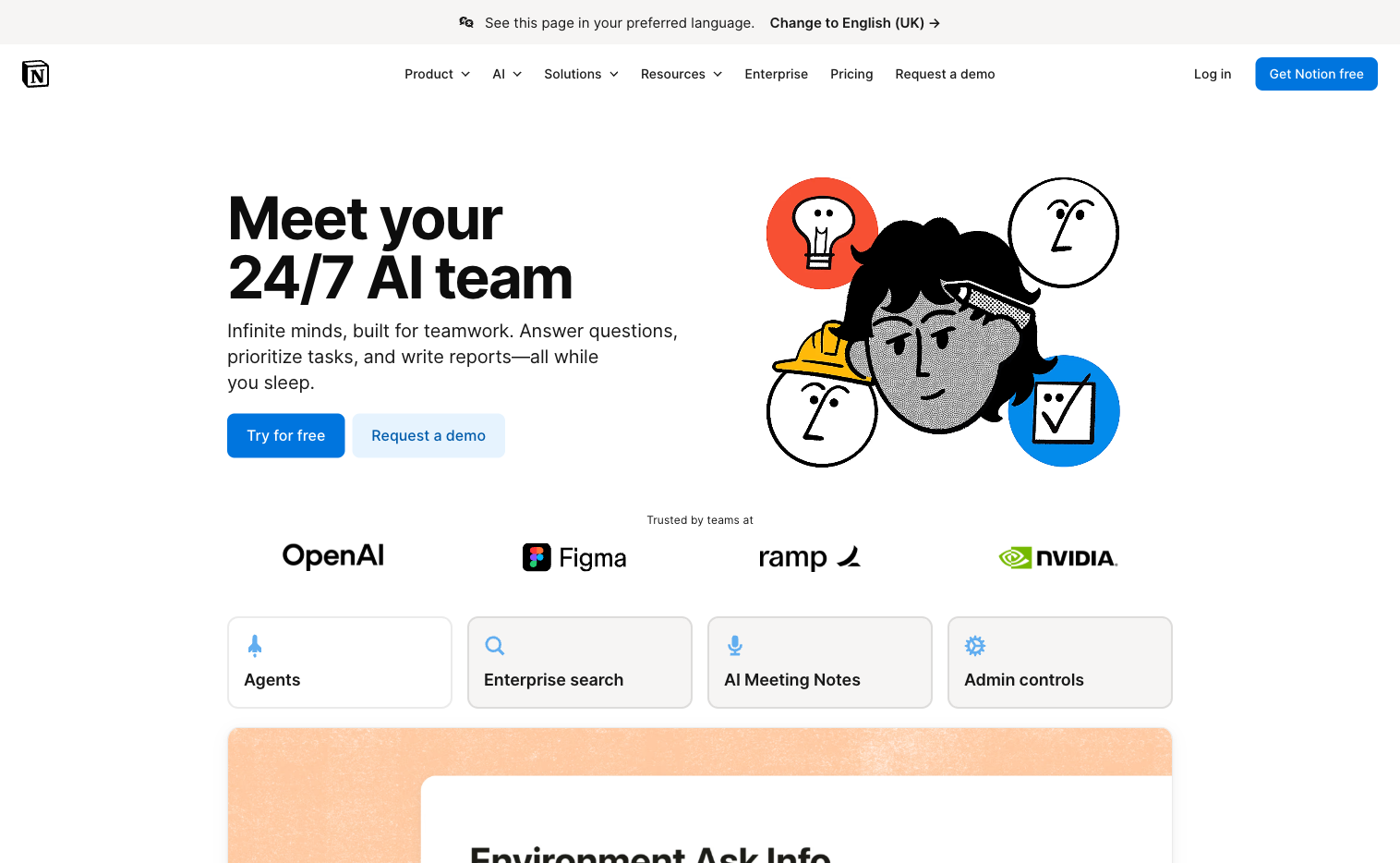
Notion AI
Notion AI provides AI writing and analysis built into the Notion workspace. $10/member/month on top of your Notion plan.
- Best for: Teams already using Notion for documentation and project management
- Limitation: Only accesses content within your Notion workspace. For teams wanting to connect Notion to ChatGPT, a context layer bridges this gap
- Portability: Medium, Notion exports well, but AI features are Notion-specific
Zapier AI
Zapier offers workflow automation with AI-powered suggestions and natural language automation building. Free tier available; Professional at $29/month.
- Best for: Connecting apps and automating repetitive tasks
- Limitation: AI features are add-ons to the core automation platform
- Portability: High, automations can often be recreated elsewhere
BookTranslator
BookTranslator translates complete documents, PDFs, DOCX files, product guides, and manuals into 168 languages while keeping tables, images, and footnotes where they belong. Pay-as-you-go from $3.99 per task; Pro from $20/month.
- Best for: Businesses that need supplier docs, manuals, or product guides in another language without rebuilding the layout by hand
- Limitation: Document translation only, it isn't a general-purpose AI assistant
- Portability: High, you get finished files back in their original format
Sales & CRM
AI that helps you sell more effectively.
HubSpot AI
HubSpot provides marketing automation and CRM with AI-powered content creation, email suggestions, and lead scoring. Free CRM available; Starter at $20/month.
- Best for: Growing businesses that need marketing automation + CRM in one place
- Limitation: Full AI features require higher-tier plans
- Portability: Medium, CRM data exports well, AI customizations don't
Pipedrive AI
Pipedrive offers sales pipeline management with AI-powered deal suggestions and email analysis. Essential at $14/user/month.
- Best for: Sales-focused teams tracking deals through a pipeline
- Limitation: AI features are sales-specific, not general purpose
- Portability: Medium, pipeline data exports, AI features stay in Pipedrive
Meeting & Voice
AI that handles audio and video content.
Otter.ai
Otter.ai provides transcription and meeting notes with AI-powered summaries and action items. Free tier available; Pro at $17/month.
- Best for: Teams who want searchable, shareable meeting transcripts
- Limitation: Quality depends on audio clarity; works best for English
- Portability: High, transcripts export as text files
ElevenLabs
ElevenLabs offers voice generation for videos, podcasts, and audio content. Free tier available; Starter at $5/month.
- Best for: Creating voiceovers without hiring voice actors
- Limitation: Voice cloning requires careful licensing consideration
- Portability: High, generated audio files are yours to keep
Wisper Flow
Wisper Flow is a voice dictation tool that lets you speak instead of type. Integrates with writing workflows.
- Best for: Founders and marketers who think better out loud
- Limitation: Requires cleanup and editing of transcribed content
- Portability: High, outputs are text files
Context & Knowledge Management

Most AI tools let you add a paragraph of instructions or upload a few documents. That works for simple tasks. But your business knowledge lives across hundreds of sources: product pages, support docs, past campaigns, internal wikis, policy documents, brand guidelines. No single upload covers it.
This gap becomes obvious when you're working on specific topics. Ask AI to update a product description and it doesn't know your latest features. Ask it to write about a niche service and it invents details. The more specialized the content, the more generic AI falls short.
The solution: A context layer that connects your existing knowledge to all your AI tools, so AI can retrieve the right information on demand.
Context Link
Context Link gives AI one place to talk to your whole business. Connect your Notion workspace, Google Docs, OneDrive, websites, inboxes, and project tools once, then ask source-backed questions from inside ChatGPT, Claude, Copilot, Gemini, or Grok. Answers come back with citations, and when a decision settles you can save it as a Memory so every AI tool reads the latest version.
Starter at $9/month.
- Best for: Founders and business owners running AI-forward small businesses who want every AI tool to know the business, not just smarter search
- Why it matters: one connected knowledge base turns scattered docs into context every other tool above can plug into
- Portability: High, works across all major AI platforms; your context stays yours
Notion AI (revisited)
If your team lives in Notion, Notion AI can search and summarize your workspace content. But it only works within Notion, and only with content stored there.
- Limitation: Locked to Notion; doesn't help with website content or Google Docs
- Portability: Medium, content exports well, AI features don't transfer
Custom GPTs with uploaded files
Custom GPTs let you create a Custom GPT and upload PDFs, docs, and other files for it to reference. Quick to set up for single-purpose assistants.
- Limitation: Files are locked to that specific GPT; doesn't update automatically
- Portability: Low, completely locked to OpenAI's ecosystem
For a deeper dive on building this layer, see our guide on building an AI knowledge base and creating a single source of truth for AI.
AI Skills & Plugins
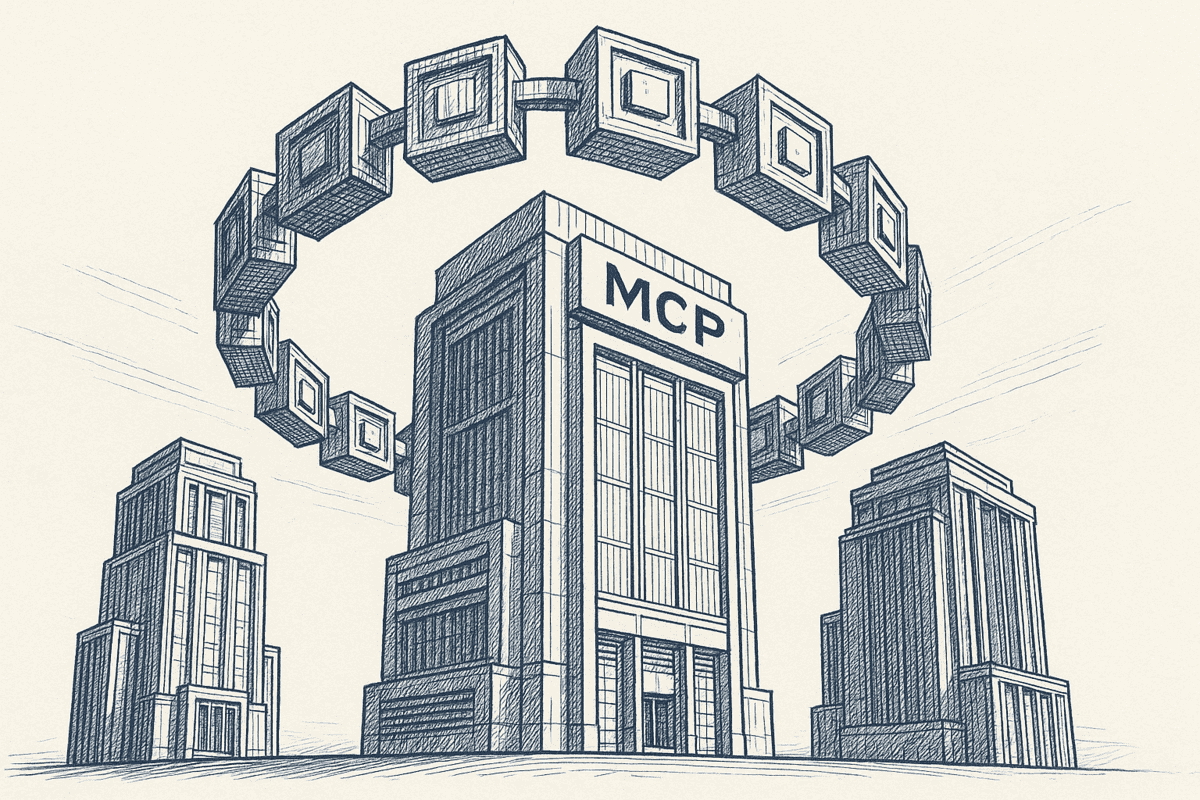
This category is expanding fast. Skills and plugins are pre-built instructions or connectors that teach AI tools new capabilities, without coding.
Our Claude Cowork Skills collection
We have a free marketing skills bundle for Claude Cowork, it includes SEO research, content briefs, and competitor analysis workflows. Free marketing skills for Claude Cowork.
- Best for: Marketing teams using Claude who want pre-built workflows
- Portability: High, skills are instruction sets that can adapt to other platforms
Custom GPTs
Custom GPTs let you build specialized assistants in ChatGPT with custom instructions and uploaded files. Great for single-purpose tools (like a product FAQ bot or content idea generator).
- Limitation: Locked to ChatGPT; requires rebuilding if you switch to Claude or another model
- Portability: Low, completely tied to OpenAI
Claude Projects
Claude Projects lets you add custom instructions and files to Claude conversations. Similar to Custom GPTs but in Anthropic's ecosystem.
- Limitation: Locked to Claude; doesn't transfer to other AI tools
- Portability: Low, tied to Anthropic
The skills pattern is growing. It's already in ChatGPT's Codex, and similar capabilities are coming to ChatGPT's main chat interface. Choose portable options where possible, your workflows should survive when you switch AI providers.
Portability Ratings Summary
AI is moving fast. The tool you're using today might not be the best option next year. Here's how the major categories stack up on lock-in risk:
| Tool | Portability | Notes |
|---|---|---|
| Context Link | High | Model-agnostic; works with any AI |
| Zapier | High | Automations can often be recreated |
| Otter.ai | High | Transcripts export as files |
| Notion | Medium | Data exports well; AI features don't |
| HubSpot | Medium | CRM exports; AI customizations don't |
| Custom GPTs | Low | Completely locked to OpenAI |
| Microsoft Copilot | Low | Tied to Microsoft 365 |
| Jasper | Low | Templates and campaigns stay in Jasper |
Key question to ask: "If my AI provider doubles its price tomorrow, can I switch without starting over?"
Why AI Tools Alone Aren't Enough for Small Businesses
You now have a list of excellent AI tools. But here's the uncomfortable truth: most small businesses that adopt these tools still get mediocre results.
Why? Because they're using powerful tools with no context.
It's like hiring a brilliant consultant and giving them zero information about your business. They'll produce something, but it won't be specific to you.
The tools above are the "what." Context is the "how."
Consider what happens when you ask ChatGPT to write a product description:
Without context: Generic copy that could describe any similar product
With context: Copy that uses your actual product specs, brand voice, and competitive positioning
Consider what happens when you ask Claude to draft a customer support reply:
Without context: A polite but generic response that might promise things you don't offer
With context: A reply that references your actual policies, pricing, and product capabilities
This is what context engineering solves. Instead of manually pasting brand guidelines into every session, you connect your sources once and let AI retrieve what it needs.
Context Link is built specifically for this. Connect your Notion workspace, Google Docs, OneDrive, websites, inboxes, and project tools. AI searches semantically (by meaning, not just keywords) and returns source-backed snippets and answers from inside the AI you already use. Sources sync every 24 hours, so the context AI pulls stays close to the latest version of your business.
See how to use AI for writing content that actually sounds like your business.
Getting Started: A 3-Step AI Strategy for Small Businesses

Don't try to adopt every tool at once. Here's a practical starting point:
Step 1: Pick one tool and one department
Start with a single AI tool in a single department. Marketing is often the best choice because results are visible and measurable, especially if you have funnel analytics in place to show how many of those extra visitors actually sign up and buy.
Good starting points:
- ChatGPT for content drafts
- Claude for long-form writing
- Canva AI for social graphics
Step 2: Connect your existing knowledge
Before expecting great results, give AI access to your business context:
- Sign up for Context Link and connect your main knowledge sources (Notion, Google Docs, OneDrive, website)
- Let it index your content (usually takes a few minutes)
- Add Context Link to your AI tool via the ChatGPT connector or Claude skills
Now when you ask for content, AI can reference your actual products, brand voice, and company information.
Step 3: Save settled knowledge as Memories
Start pinning the knowledge you reuse most as Memories, named canonical documents any connected AI tool can retrieve. Most founders start here:
- Brand voice: the tone and phrasing rules every draft should follow
- Positioning: the current one-liner and narrative, so AI stops improvising it
- ICP definition: who you sell to, who you don't, and why
- FAQ summaries: the answers support gives every week
Update a Memory and every AI tool reads the latest version, with the old one kept in version history.
Metrics to track
- Time saved per week (track before and after)
- Quality of first drafts (how much editing do they need?)
- Consistency across outputs (does it sound like your business?)
- AI accuracy (how often does it hallucinate or get things wrong?)
Common mistakes to avoid
- Using AI without context: The single biggest mistake. Fix this first.
- Trying too many tools at once: Pick one, get good at it, then expand.
- No quality review process: AI output needs human review before publishing.
- Ignoring portability: Don't build your entire workflow on a tool that locks you in.
Conclusion
AI tools for small business are more powerful and accessible than ever. ChatGPT, Claude, Jasper, Canva AI, HubSpot, Notion, the options are excellent.
But tools alone don't produce great results. Context does.
The businesses getting the most from AI in 2026 aren't just using the tools. They're connecting those tools to their actual business knowledge: their products, their brand voice, their customer base, their policies.
That's the difference between generic AI output and content that sounds like your business wrote it.
Key takeaways:
- Start with one AI tool in one department (marketing is usually best)
- Connect your existing knowledge sources before expecting great results
- Save settled decisions as Memories so every AI tool reads the latest version
- Choose portable tools that won't lock you in
- Review AI output before publishing, it's a draft, not a finished product
Ready to give AI the context it needs to actually know your business? Start with Context Link and connect your first source in under 10 minutes. Your AI outputs will never sound generic again.
One search across everything
Connect it once. Every AI can read it.
Context Link indexes your files, drive, email, sites and notes in one place, then hands ChatGPT, Claude and Gemini the same source-backed answers with citations.
7-day free trial · No card to start · Cancel any time